Learning games you play together, not hand off.

Side by Play is learning games a parent and a kid play together: counting, letters, a states and capitals game, and feelings, for ages 3 to 6. You sit next to them and read the line at the top. They do the tapping. It’s built for 15 minutes before bed.

  • Out now on iPad, iPhone and Android phones and tablets.
  • $2.99, one time. No ads, no subscription.
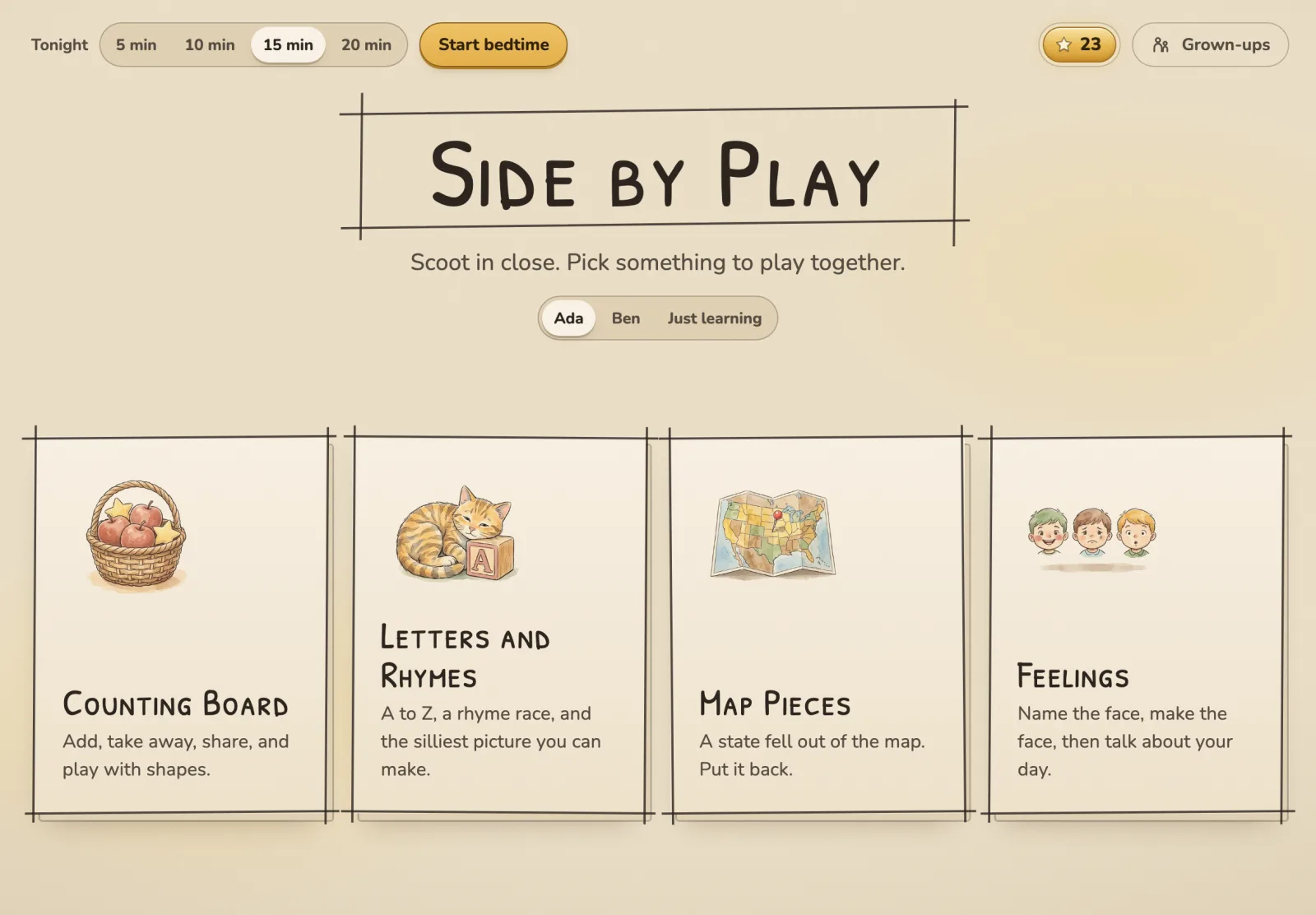
The Side by Play home screen: Counting Board, Letters and Rhymes, Map Pieces and Feelings, with a bedtime timer in the corner.

Why I built this

My oldest didn’t talk until he was almost 2.

But sit him next to me with a math problem on my iPad and he lit up. So every night, we spent 15 to 30 minutes playing games we made up on it.

He started reading at 3, so he could read his own math problems on Khan Academy.

When he was old enough for kindergarten, the school wanted to start him in 2nd grade because of how he tested.

We have four kids now, and all four have tested into gifted. I think a huge part of that is simple: a little time, on purpose, going over the basics together.

Almost everything in Side by Play is one of the games we used to play. Now your family can play them too.

Not a sponsor. We just love Khan Academy.

Joel PettigrewDad of four, and the one who built this

Us, playing back in the day.

How a night works

Short on purpose, and the app ends it for you.

  1. Pick how long you have

    5, 10, 15 or 20 minutes. The time left sits in the corner of every screen.

  2. You read, they tap

    The app stays quiet unless you turn sound on. Every screen has one line for you to read out loud.

  3. It ends on their sky

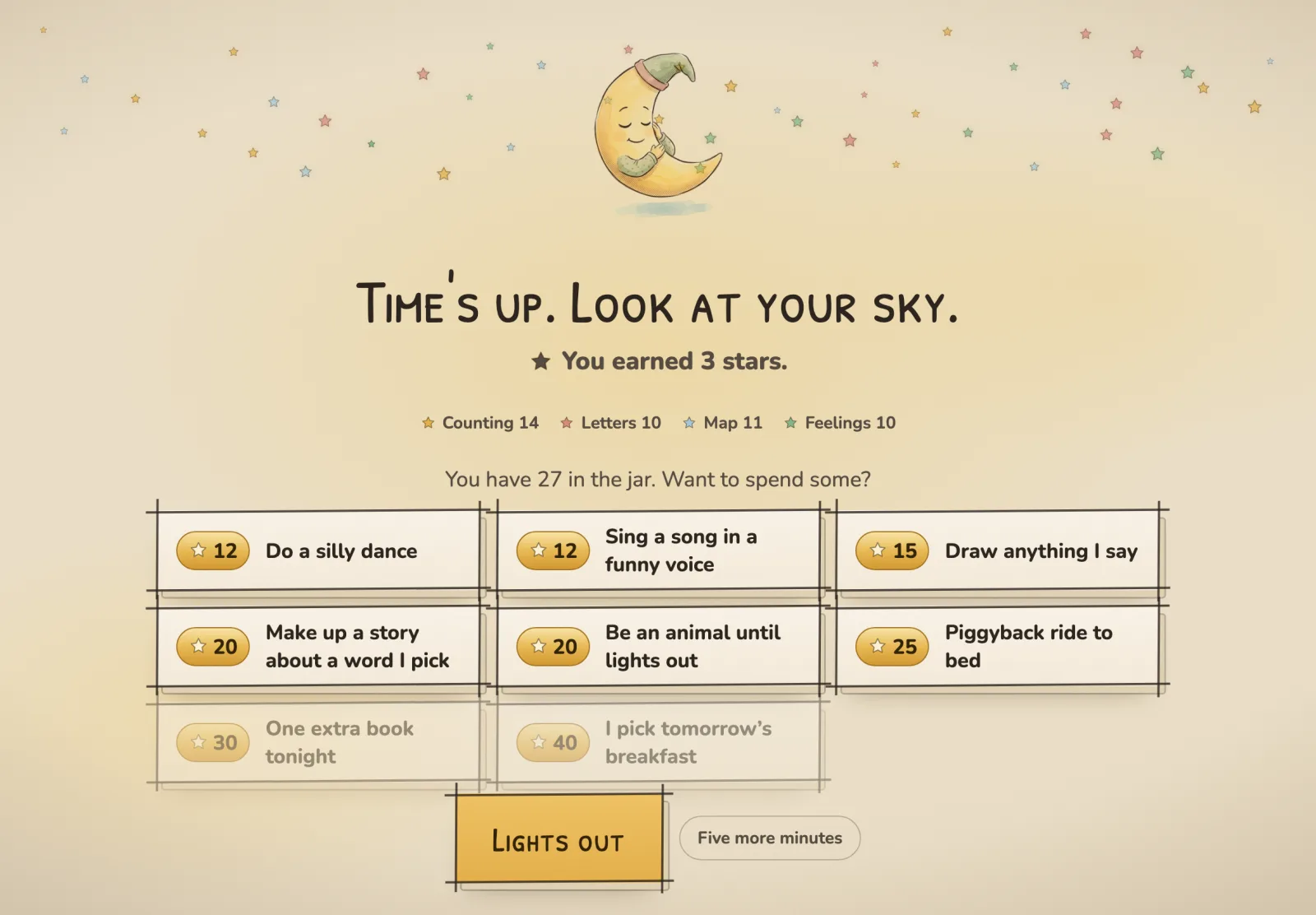
    When time’s up, the app winds down from wherever you are. Every star they’ve earned hangs in a night sky, colored by what they learned.

  4. Stars buy silly dares

    Kids spend their stars and the grown-up has to do it: a silly dance, a song in a funny voice, one extra book.

More than one kid? Each one gets their own stars and sky, and one tap switches who’s playing. Just exploring? Just learning earns no stars and keeps nothing.

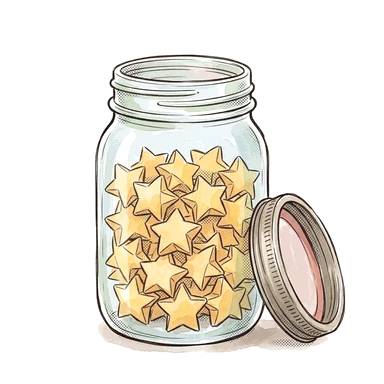
The wind-down screen: a sleepy moon, a night sky of stars in four colors, and the Star Jar of dares.

What you’ll play
Four tracks, each with easy and harder levels, so a 3 year old and a 6 year old both have somewhere to go.

Counting Board

Counting and math games for preschool

Real math with things you can count, stamped or drawn right on the board.

  • Adding and taking away, with the number sentence that goes with it.
  • Times as boxes: the same number in every box, then count them all.
  • Sharing out: one big bunch, dragged onto plates until it’s fair.
  • Area and perimeter: how long, how tall, then fill it in or fence it.
  • Patterns to say out loud and shapes to name.
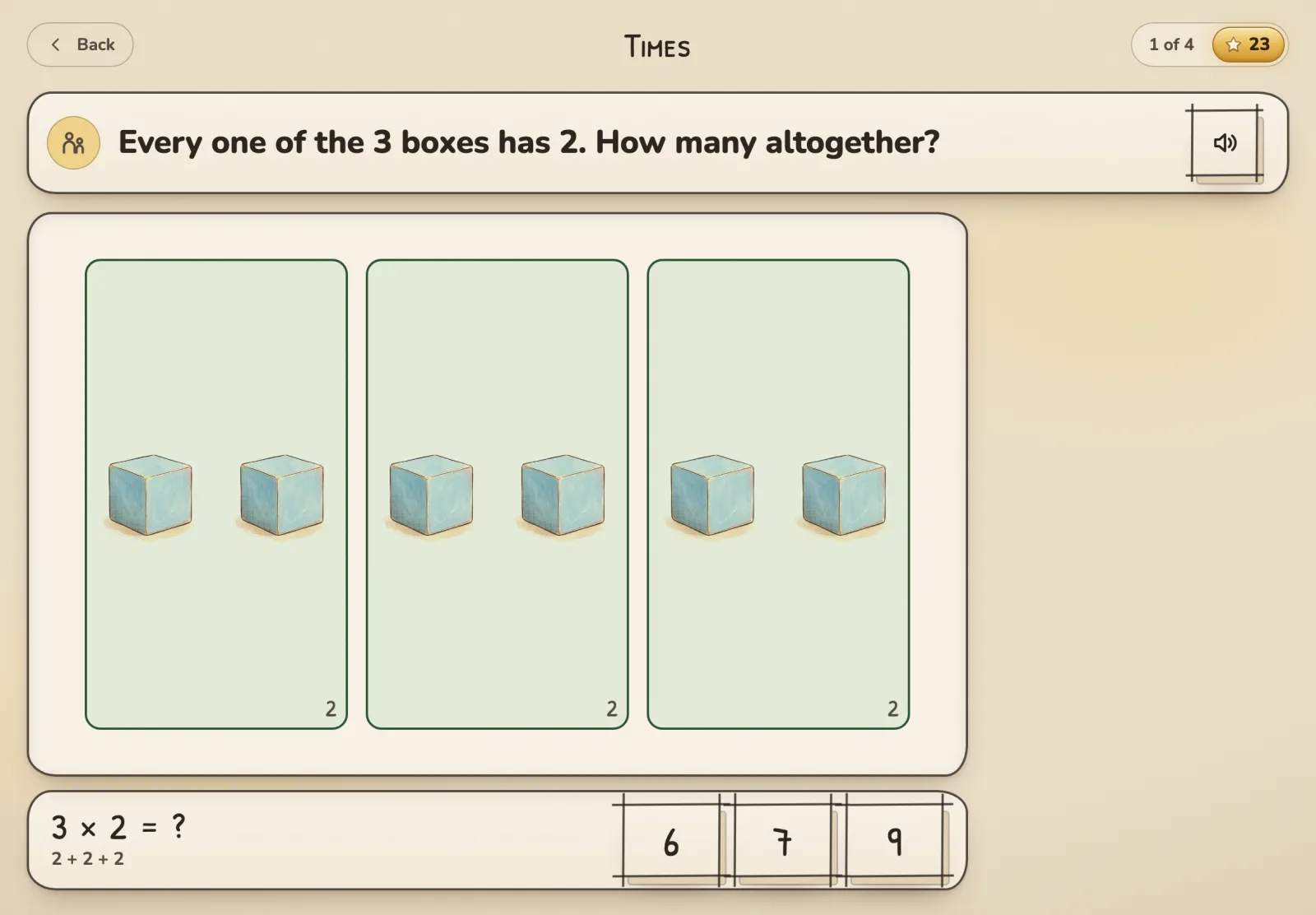
A Times round: three boxes with two blocks in each, and 3 × 2 under the board with three answers to pick from.
Letters and Rhymes

Letter tracing and rhyming games

Trace it, hear it, rhyme it, then draw something silly.

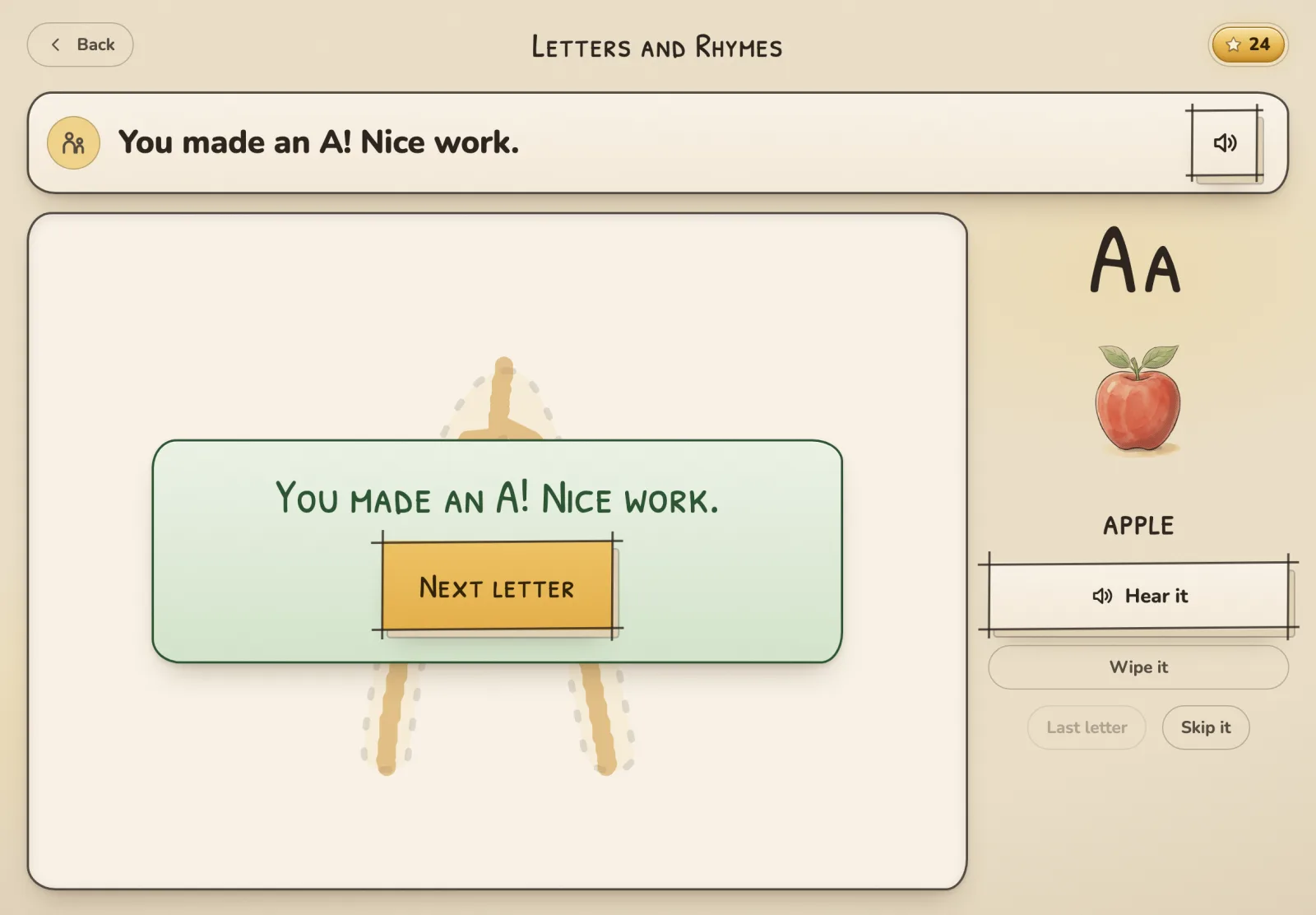
  • Trace a letter together. It checks every stroke, so half an A doesn’t count.
  • A rhyme race, as long or short as you set it.
  • A word ladder: change one letter and see what word you made.
  • A silly picture with your words, saved to the fridge.
Hear every letter sound, free
A letter card: a traced A with the cheer that goes with finishing it.
Map Pieces

A states and capitals game for kids who can’t read yet

Drag a piece back into the map. Then go find its capital.

  • The 50 states, the countries of the world, or the seven continents.
  • Easy marks the spot, Medium asks where it goes, and Hard gives a clue.
  • Two misses and the spot lights up. Three, and you can ask it to show you.
  • Every state and country ends with a capital hunt: find the star.
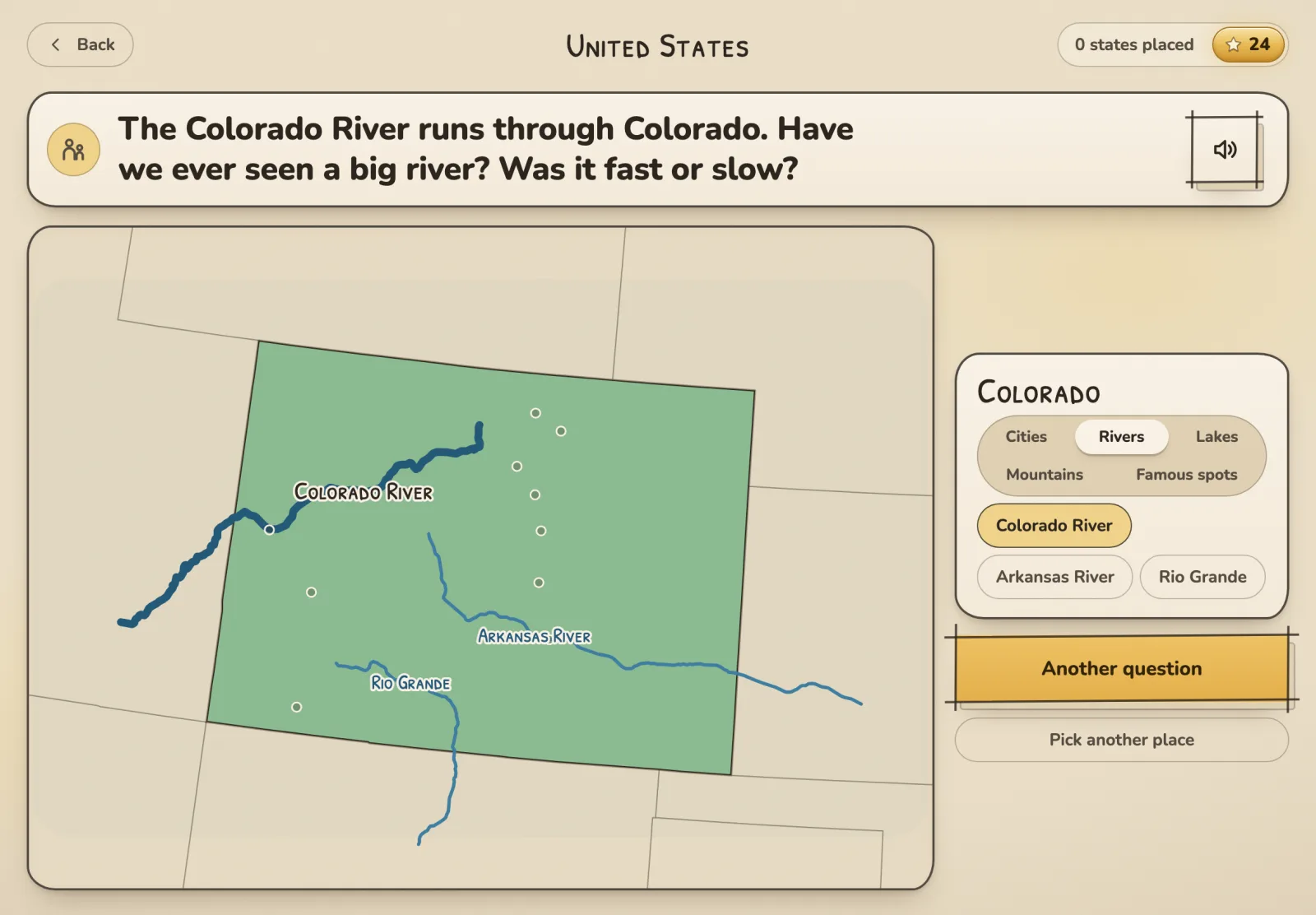
  • Where we’re from: zoom in on a place you know and look at its towns, rivers, lakes and mountains.
Play a free round of the states game
The capital hunt: Colorado zoomed in, with a star on Denver among the town dots.
Feelings

Naming feelings: an emotions game for preschoolers

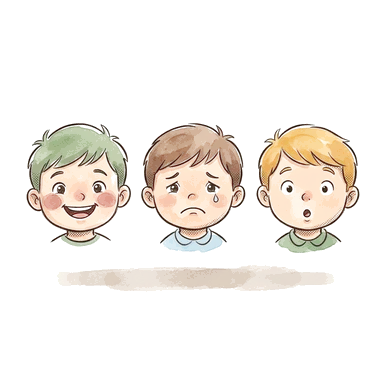
Name the face. Make the face. Then talk about your day.

  • Four feelings to start, and more when they’re ready.
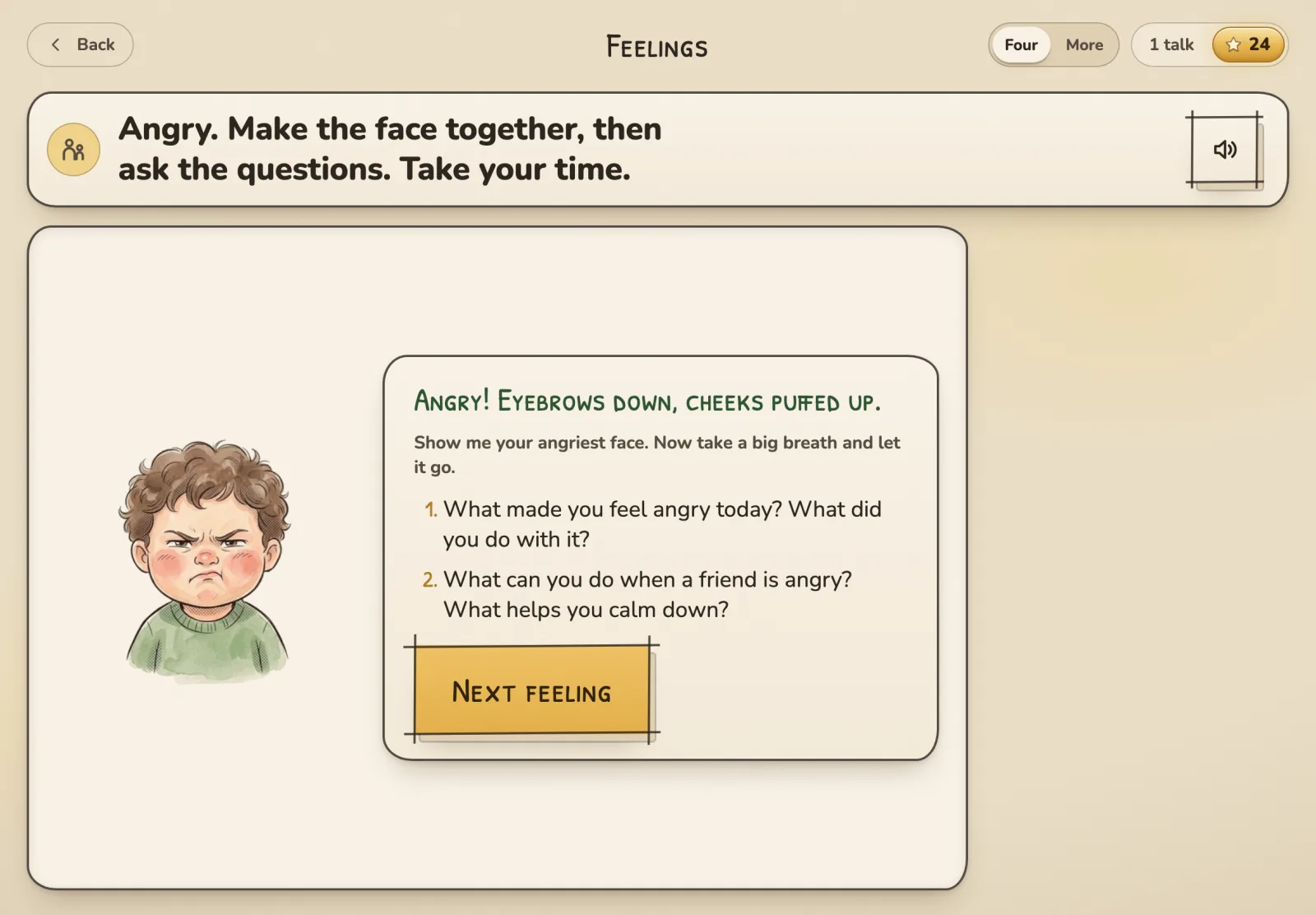
  • Two questions every time: when did you feel it, and when did someone else?
A feelings card: a scared face and the two questions to ask about it.

Private, and paid for once

  • No ads, no accounts

    Nothing to sign up for, and nobody selling anything to your kid.

  • Nothing leaves the device

    Stars, names and drawings stay on the tablet. It all works with the wifi off.

  • One price, once

    No subscription, and nothing to buy inside the app.

Read the privacy policy

Giving it as a gift

It’s a one-time buy, so it works as a gift. How you send it depends on their device.

  • iPad or iPhone

    In the App Store app, open Side by Play, tap Share, then Gift App. They get an email, tap Redeem, and it downloads.

    Apple’s steps
  • Android

    Google Play doesn’t let you gift a single app. Send a Google Play gift card instead, and they buy it with that.

    Google Play gift cards

Questions parents ask

What age is it for?

Kids 3 to 6, playing with a grown-up. Every track starts easy, and the harder levels stretch toward first grade.

Is it safe for kids?

There are no ads, no chat, no links out of the app, and nothing a kid does is sent anywhere. It’s built for you to be sitting right there.

Does it have ads or in-app purchases?

No ads, and nothing to buy inside. You pay once when you get it, and that’s the whole thing.

Does it work without wifi?

Yes. Everything lives on the device, so it works in the car, on a plane, or with the wifi off at bedtime.

How much screen time is this?

As much as you pick. The timer runs 5 to 20 minutes and ends on a calm screen, and the whole idea is that you’re sitting there too.

Can I add more than one kid?

Yes. Each kid gets their own stars, sky and levels, and one tap on the home screen switches who’s playing.

Where can I get it?

It’s out now. iPad and iPhone get it from the App Store, and Android phones and tablets get it from Google Play. It’s $2.99, once.

Can I give it as a gift?

Yes. On an iPad or iPhone, open it in the App Store, tap Share, then Gift App. Google Play can’t gift a single app, so for Android a Google Play gift card is the way to do it.

How is it different from other kids’ learning apps?

Most are built to keep a kid busy on their own. This one is built for you to sit next to them. And there’s no subscription.

Try it tonight

It’s out now on iPad, iPhone and Android. You pay once, and there’s nothing else to buy inside it.